Choosing the right crosshair in Counter-Strike 2 can significantly affect your performance. This guide covers everything you need to know about creating and customizing a dot crosshair in CS2.
Enabling the Developer Console
Before customizing your crosshair, you need to enable the developer console:
- Launch CS2 and open the Settings menu
- Go to the "Game" tab
- Set "Enable Developer Console (~)" to "Yes"
- Press the
~key in the game to open the console
Essential Console Commands
| Command | Function |
|---|---|
| cl_crosshairstyle | Sets the crosshair style |
| cl_crosshairdot | Enables the center dot |
| cl_crosshairsize | Changes the size of the outer lines |
| cl_crosshairthickness | Sets the crosshair thickness |
| cl_crosshaircolor | Sets the crosshair color |
| cl_crosshairgap | Sets the size of the center gap |
| cl_crosshairuseralpha | Sets the crosshair transparency |
Most Popular Dot Crosshair Styles
1. Green Dot Crosshair
The Green Dot Crosshair is one of the most popular crosshair styles among professional players and offers the following benefits in particular:
- Bright green color
- Improved accuracy
- Better headshot efficiency
- A competitive advantage
Green is an excellent choice for visibility because it is easy to distinguish on every map. Professional players such as ZywOo, Vitality's famous French AWPer, prefer this crosshair for greater precision and focus during matches.
Use the following commands for a basic green crosshair:
cl_crosshairstyle "2";
cl_crosshaircolor "1";
cl_crosshairsize "0";
cl_crosshairgap "-8.5";
cl_crosshairalpha "255";
cl_crosshairusealpha "0";
cl_crosshair_dynamic_splitalpha_innermod "1";
cl_crosshair_dynamic_splitalpha_outermod "1";
cl_crosshairthickness "2";
cl_crosshaircolor_r "50";
cl_crosshaircolor_g "250";
cl_crosshaircolor_b "50";
cl_crosshair_drawoutline "0";
cl_crosshair_outlinethickness "1";
cl_crosshairdot "1";
cl_crosshair_t "0";
cl_crosshairgap_useweaponvalue "0";
hud_showtargetid "0";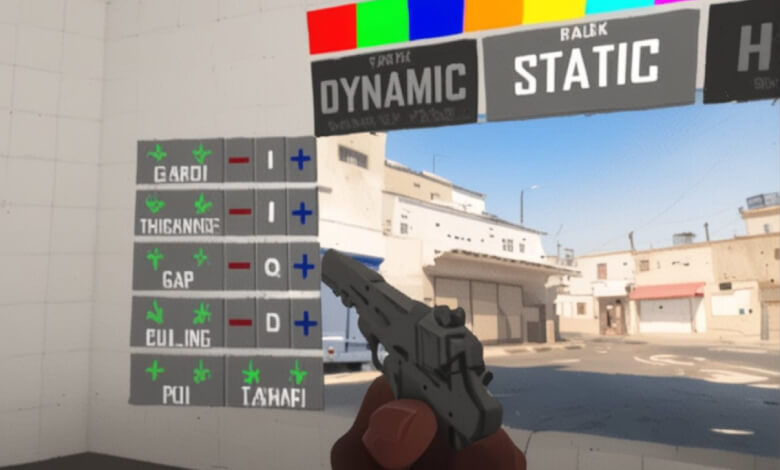
Most Popular CS2 Dot Crosshair Styles
2. Box Dot Crosshair
The Box Dot Crosshair is another popular option among professional CS2 players. This crosshair style places a dot inside a box, giving players a clear and precise aiming point.
The box shape is less intrusive and allows you to make more precise aiming adjustments, especially when firing rifles.
To create a box dot crosshair:
- Press the
~key to open the console - Enter the
cl_crosshairdot 1command - Enter the
cl_crosshairgap -3command - Experiment with the settings until you find the ideal balance between visibility and precision
BlameF's Dot Crosshair
cl_crosshairstyle "4";
cl_crosshairsize "2";
cl_crosshairgap "-2";
cl_crosshairthickness "1";
cl_crosshairdot "1";
cl_crosshaircolor "2";
cl_crosshair_drawoutline "0";
Frequently Asked Questions
What is the purpose of using a dot crosshair in CS2?
A dot crosshair can help you shoot more accurately and improve your headshot rate in CS2.
Which dot crosshair styles are popular among professional CS2 players?
Styles such as the Green Dot Crosshair, Box Dot Crosshair, and BlameF's Dot Crosshair are popular among professional CS2 players.
How can I improve my aim and accuracy with a dot crosshair?
You can improve your accuracy by focusing on crosshair placement, using active aiming techniques, practicing flick shots and sprays, and using smaller crosshairs.
If you found this article useful, you may also want to explore these topics: