CS2 Cheat Commands - Latest Codes

Bolmax TeamJuly 15, 202619 min read
CS2 Cheat Commands - Latest Codes

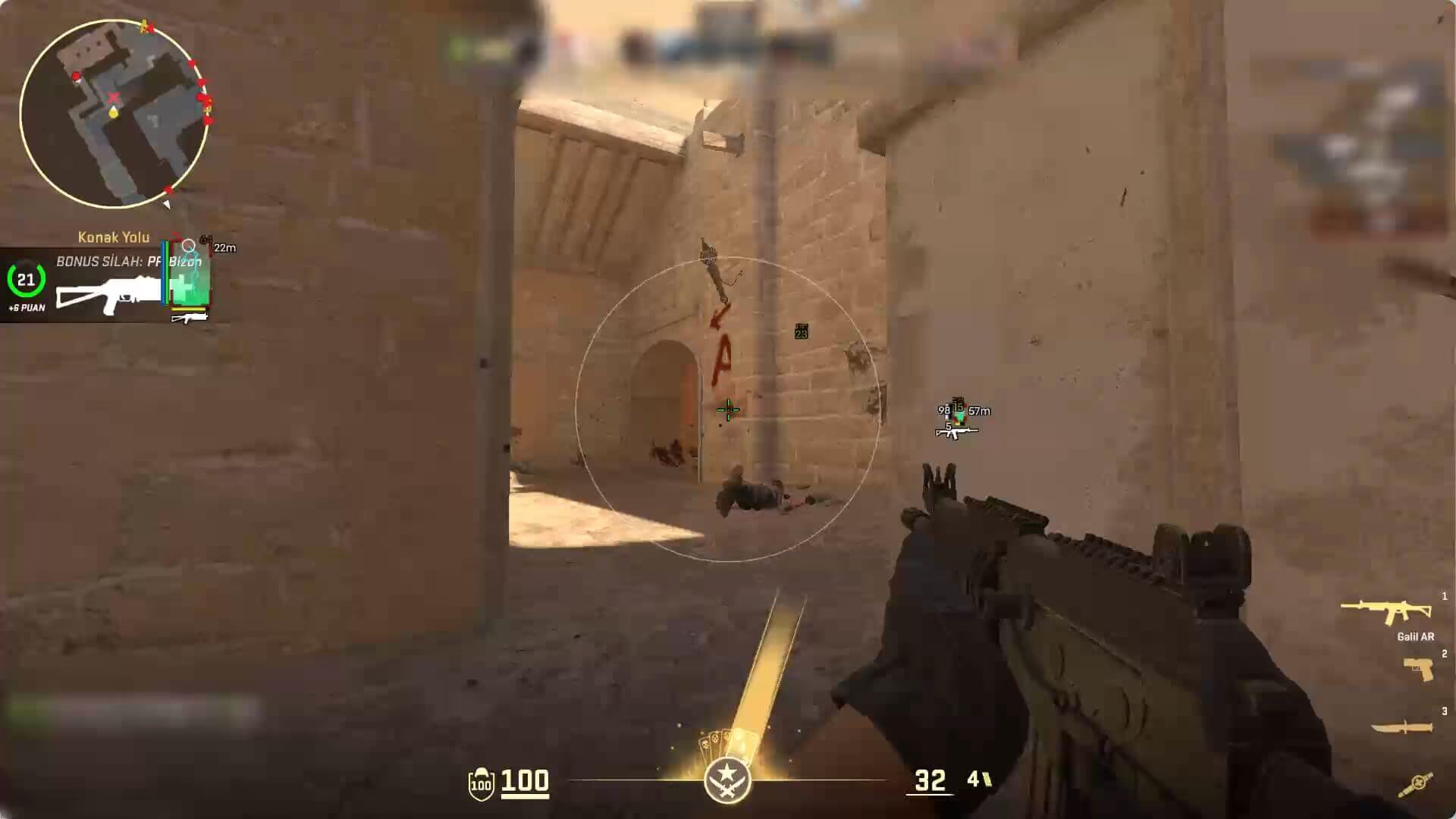
CS2 cheat commands let you change game rules on a map you host, enabling features such as god mode, flying, unlimited ammo, low gravity, and slow motion. These commands are especially useful for exploring maps, testing grenade lineups, creating different scenarios with bots, or playing entertaining private matches with friends.

The word "cheat" here does not refer to third-party software. The commands in this guide are entered into Counter-Strike 2's own developer console, and most work on local or private servers with sv_cheats 1 enabled. You cannot enable commands such as god mode, noclip, or no-spread on Valve's official Premier and competitive servers.

Most Popular CS2 Cheat Commands

These are some popular commands you may want to try right away:

Cheat commandWhat does it do?Disable or reset
sv_cheats 1Enables protected cheat and debug commands.sv_cheats 0
godToggles god mode.Enter god again
noclipToggles flying and movement through walls.Enter noclip again
thirdpersonSwitches to a third-person camera.firstperson
weapon_accuracy_nospread 1Disables random bullet spread.weapon_accuracy_nospread 0
sv_infinite_ammo 1Prevents ammo and grenades from running out.sv_infinite_ammo 0
sv_gravity 300Reduces gravity so you can jump higher.sv_gravity 800
host_timescale 0.5Runs the game at half speed.host_timescale 1
sv_autobunnyhopping 1Automatically bunny hops while the jump key is held.sv_autobunnyhopping 0
mat_wireframe 2Changes the map to a transparent wireframe debug view.mat_wireframe 0
mp_startmoney 60000Gives 60,000 at the next start.Use mp_startmoney 800 for the default
bot_placePlaces a bot where the crosshair is pointing.Remove the bot with bot_kick

You do not need to use all these commands at once. First decide what you want to test, then enable only the relevant commands. Stacking visual, time, and movement commands in particular can make it difficult to understand the map's normal behavior.

How Do You Enable CS2 Cheat Commands?

First, enable the developer console:

  1. Open Settings from the CS2 main menu.
  2. Open the Game tab.
  3. Set Enable Developer Console (~) to Yes.
  4. Start a local practice map or your own private server.
  5. Press the ~ key to open the console.
  6. Enter sv_cheats 1 in the console and press Enter.

If the console does not open with a Turkish keyboard, assign a different key to the Toggle Console action in the keyboard and mouse settings. Once the console is open, you can separate multiple commands with semicolons and run them on one line:

sv_cheats 1; god; sv_infinite_ammo 1; mp_buy_anywhere 1

If some commands still do not work after you enter sv_cheats 1, you may not own or administer the server. A client-side command cannot change a game rule that the server does not permit.

Can CS2 Cheat Commands Get You Banned?

Using sv_cheats 1, god, or noclip through the game's own console on your own local map will not cause a VAC ban. These variables are designed to work only in environments where the server permits them.

This does not apply to third-party cheat programs. Software designed to bypass console-command restrictions on official servers, file modifications, or external tools that interfere with the game can put your account at risk. This guide covers only local and private-server features available through CS2's own console.

EnvironmentCan you use sv_cheats 1?Do cheat commands work?
A local map you hostYesYes
Offline practice with botsYesYes
A private server you administerIf the server permits itDepends on the server settings
A community serverUsually noNot unless an admin permits it
Premier or official competitive matchNoNo

God Mode, Flying, and Camera Cheats

CommandDescriptionRequirement
godToggles immunity to damage.sv_cheats 1
noclipFrees the character from solid surfaces; you can fly and move through walls.sv_cheats 1
notargetMakes the character invisible to certain NPC and AI targeting. It may not produce the same result in every CS2 bot scenario.sv_cheats 1
thirdpersonChanges the camera to third-person view.sv_cheats 1
firstpersonReturns to first-person view.None
killInstantly kills your own character.Private/local server
explodeKills your character with explosion damage.sv_cheats 1
respawn_playerRespawns the dead character.sv_cheats 1
hurtme 25Deals 25 damage to your own character.sv_cheats 1

You can bind noclip to a key to move around the map quickly:

bind "n" "noclip"

If N is assigned to another action, choose a different key. You can remove the binding by entering unbind "n".

Teleportation and Position Commands

CS2 includes debug commands that let you save your current coordinates and return to the same point. This is useful when repeatedly testing the same grenade lineup or peek position.

CommandDescription
getposPrints the current position and view angles in the console.
getpos_exactDisplays the position with more precise values.
setpos X Y ZMoves the character to the specified world coordinates.
setang PITCH YAW ROLLSets the view to the specified angles.

The output from getpos usually generates reusable setpos and setang lines. Copy the output to return to your starting position on the same map. Coordinates are map-specific; values obtained on Mirage will not refer to the same location on Dust II.

cs2-cheat-commands-noclip-gravity.png

Gravity, Speed, and Bunny Hop Commands

The default CS2 gravity value is 800. Lower values keep you in the air longer, while higher values make you fall faster.

CommandEffectExample
sv_gravityChanges world gravity.sv_gravity 300
sv_maxspeedChanges the server's general maximum movement speed limit.sv_maxspeed 500
sv_accelerateSets the acceleration rate on the ground.sv_accelerate 10
sv_airaccelerateSets turning and acceleration strength in the air.sv_airaccelerate 100
sv_frictionChanges ground friction.sv_friction 3
sv_stopspeedAffects how quickly the character stops on the ground.sv_stopspeed 40
sv_enablebunnyhopping 1Allows the running-speed limit to be exceeded while bunny hopping.0 / 1
sv_autobunnyhopping 1Automatically jumps again while the jump key is held.0 / 1

Entering only sv_maxspeed 500 may not directly provide 500 units of speed with every weapon and game mode. Weapon speed, acceleration, friction, and the map's movement rules all affect the result.

You can combine these three commands for automatic bunny hopping:

sv_enablebunnyhopping 1
sv_autobunnyhopping 1
sv_airaccelerate 100

To return to normal movement values, restart the map or reset the variables you changed to their default values.

Slow-Motion and Fast-Game Commands

host_timescale changes the overall speed of time in the game. Physics, animations, bullets, and character movement all slow down or speed up together.

CommandResult
host_timescale 0.25Runs the game at quarter speed.
host_timescale 0.5Creates half-speed slow motion.
host_timescale 1Returns to normal game speed.
host_timescale 2Runs the game at double speed.

High timescale values can disrupt physics and the feel of training. Experiment with them for fun, but keep the value at 1 when practicing real spray or movement.

No Recoil, No-Spread, and Bullet Impacts

Most simple "no recoil" commands found in old CS:GO guides do not exist in CS2. The current console provides weapon_accuracy_nospread, which directly disables random bullet spread, but this command does not eliminate the weapon's entire recoil animation.

CommandDescription
weapon_accuracy_nospread 1Disables random inaccuracy spread for weapons.
weapon_accuracy_nospread 0Returns to normal weapon spread.
sv_showimpacts 1Shows client-side bullet impacts in red and server-side impacts in blue.
sv_showimpacts 2Shows only client-side impact points.
sv_showimpacts 3Shows only server-side impact points.
sv_showimpacts_time 10Keeps impact markers on screen for ten seconds.
sv_showimpacts_penetration 1Displays additional debug information about bullet penetration through surfaces.
cl_crosshair_recoil 1Makes the crosshair follow recoil movement.

Shots fired with no-spread do not represent normal weapon behavior in a match. Using weapon_accuracy_nospread 0 produces more realistic results when practicing sprays. sv_showimpacts is useful for comparing both normal and modified spread.

Wireframe, Fullbright, and Visual Cheats

These commands change how the map is rendered. Most exist for development and debugging, so they work only in a private environment with sv_cheats 1 enabled.

CommandDescriptionReturn to normal
mat_wireframe 1Displays map surfaces with wireframe lines.mat_wireframe 0
mat_wireframe 2Enables the transparent wireframe debug view.mat_wireframe 0
mat_fullbright 1Changes map lighting to fullbright debug mode.mat_fullbright 0
fog_enable 0Disables fog rendering on the map.fog_enable 1
r_drawparticles 0Disables the rendering of particle effects.r_drawparticles 1
r_drawviewmodel 0Hides the weapon and hand model on screen.r_drawviewmodel 1
r_drawskybox 0Disables rendering of the two-dimensional skybox.r_drawskybox 1
cl_drawhud 0Hides the HUD.cl_drawhud 1
cl_disable_ragdolls 1Disables ragdoll character models.cl_disable_ragdolls 0
fov_cs_debug 110Changes the camera field of view while cheats are enabled.fov_cs_debug 0

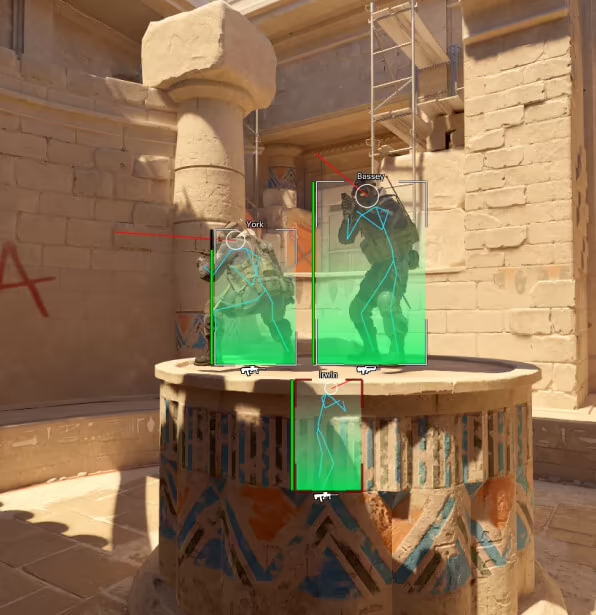
Old guides may describe mat_wireframe 2 as a command for seeing through walls. Its actual purpose is to provide a debug view, and it does not work in official matches. Because much of the map becomes transparent, it is not suitable for normal gameplay or tactical practice.

Unlimited Money and Buy Commands

Instead of relying on the old impulse 101 money cheat in CS2, it is more reliable to configure starting and maximum money rules directly.

CommandDescription
mp_maxmoney 60000Sets the maximum money a player can carry to 60,000.
mp_startmoney 60000Sets starting money after a new match or restart to 60,000.
mp_afterroundmoney 60000Gives players 60,000 at the end of every round.
mp_buy_anywhere 1Allows both teams to buy from anywhere on the map.
mp_buy_anywhere 2Allows only the T side to buy from anywhere.
mp_buy_anywhere 3Allows only the CT side to buy from anywhere.
mp_buytime 9999Makes the buy period extremely long.
mp_free_armor 1Provides free Kevlar every round.
mp_free_armor 2Provides free Kevlar and a helmet every round.
mp_playercashawards 0Disables money rewards from individual actions.
mp_teamcashawards 0Disables money rewards from team results.

Money changes may not appear immediately in the current round. Configure them in the following order and restart the match:

mp_maxmoney 60000
mp_startmoney 60000
mp_buy_anywhere 1
mp_buytime 9999
mp_restartgame 1

Unlimited Ammo and Grenade Commands

CommandDescription
sv_infinite_ammo 1Prevents the active weapon's ammo and grenades from being consumed; no reload is needed.
sv_infinite_ammo 2Keeps reserve ammunition unlimited, but still requires magazine changes.
sv_infinite_ammo 0Disables unlimited ammunition.
ammo_grenade_limit_total 5Increases the total number of grenades that can be carried at once.

sv_infinite_ammo 1 is faster when practicing grenade lineups. sv_infinite_ammo 2 is a more realistic choice when practicing reload and combat routines.

Weapon and Equipment Give Commands

The give command lets you receive any weapon directly on a private server. Enter sv_cheats 1 first.

CommandItem received
give weapon_ak47AK-47
give weapon_m4a1M4A4
give weapon_m4a1_silencerM4A1-S
give weapon_awpAWP
give weapon_ssg08SSG 08
give weapon_deagleDesert Eagle
give weapon_usp_silencerUSP-S
give weapon_smokegrenadeSmoke grenade
give weapon_flashbangFlashbang
give weapon_hegrenadeHE grenade
give weapon_molotovMolotov
give weapon_incgrenadeIncendiary grenade
give item_assaultsuitKevlar and helmet
give item_defuserDefuse kit

Many old CS:GO knife commands do not work in the same way in CS2. Current knife testing depends on item definitions and the subclass_change system. Because these values can change with updates, do not copy old give weapon_knife_... lists directly.

Bot Cheats and Fun Commands

CommandDescription
bot_addAdds a bot to the server.
bot_add_ctAdds a bot to the CT team.
bot_add_tAdds a bot to the T team.
bot_kickRemoves every bot from the server.
bot_killKills the bots for the current round.
bot_difficulty 3Sets newly added bots to expert difficulty.
bot_placePlaces a bot where the crosshair is pointing.
bot_stop 1Stops bots from moving.
bot_crouch 1Keeps bots crouched.
bot_dont_shoot 1Prevents bots from firing.
bot_zombie 1Makes bots stand idle without attacking.
bot_mimic 1Makes a bot imitate the player's movement inputs.
bot_mimic_yaw_offset 0Sets the directional offset of the bot that is imitating the player.

You can use the following short combination for stationary target practice:

sv_cheats 1
bot_kick
bot_add_ct
bot_stop 1
bot_dont_shoot 1

Then aim at the desired spot and enter bot_place to position the target at a particular angle.

Round, Respawn, and Private Match Cheats

CommandDescription
mp_ignore_round_win_conditions 1Prevents the round from ending even when normal win conditions are met.
mp_respawn_on_death_ct 1Respawns CT players after death.
mp_respawn_on_death_t 1Respawns T players after death.
mp_randomspawn 1Enables random spawn points for both teams.
mp_teammates_are_enemies 1Treats teammates as valid enemies to create an FFA setup.
mp_solid_teammates 0Allows players to move through teammates.
mp_death_drop_gun 0Prevents weapons from dropping on death.
mp_drop_knife_enable 1Allows players to drop knives.
mp_roundtime_defuse 60Sets round time to 60 minutes on bomb-defusal maps.
mp_freezetime 0Removes the freeze time at the start of the round.
mp_warmup_endEnds warmup immediately.
mp_restartgame 1Restarts the match after one second.

With mp_ignore_round_win_conditions 1 enabled, the round may not end as expected even if the bomb explodes or an entire team dies. Set the value to 0 before returning to normal match rules.

Grenade Trajectory and Practice Cheats

CommandDescription
sv_grenade_trajectory_prac_pipreview 1Shows the grenade result in a small preview window.
sv_grenade_trajectory_prac_trailtime 8Keeps the grenade path visible for eight seconds.
cl_sim_grenade_trajectory 8Draws the predicted path of the held grenade from the current angle.
sv_rethrow_last_grenadeThrows the last grenade again from the same position and angle.
sv_showimpacts 1Shows bullet impact points.
sv_showimpacts_penetration 1Displays additional penetration information.

Binding the rethrow command to a key makes it faster to test the result of a smoke or Molotov from different positions:

bind "j" "sv_rethrow_last_grenade"

Ready-Made CS2 Cheat CFG File

Instead of entering commands one by one, you can store them in a file named practice-cheats.cfg. Place the file in this folder:

C:\Program Files (x86)\Steam\steamapps\common\Counter-Strike Global Offensive\game\csgo\cfg

Add the following lines to the file:

sv_cheats 1
mp_limitteams 0
mp_autoteambalance 0
mp_maxmoney 60000
mp_startmoney 60000
mp_freezetime 0
mp_buytime 9999
mp_buy_anywhere 1
mp_roundtime_defuse 60
mp_ignore_round_win_conditions 1
sv_infinite_ammo 1
ammo_grenade_limit_total 5
sv_grenade_trajectory_prac_pipreview 1
sv_grenade_trajectory_prac_trailtime 8
sv_showimpacts 1
sv_showimpacts_time 10
bot_kick
mp_warmup_end
mp_restartgame 1

After opening the local map, enter exec practice-cheats in the console. Every command will run at once. You can also bind flying and rethrowing the last grenade to separate keys:

bind "n" "noclip"
bind "j" "sv_rethrow_last_grenade"

Do not add this file to the autoexec.cfg that holds your normal competitive settings. Keeping cheats and private-server rules in a separate file makes it easier to track which variables you enabled later.

Legacy CS:GO Cheat Commands That Do Not Work in CS2

Many lists from the CS:GO era are still circulating online. The following commands do not exist in the current CS2 command documentation or no longer retain their old behavior:

Old CS:GO commandStatus in CS2Current approach you can use
r_drawothermodels 2Not present in the current CS2 command list.Use mat_wireframe 2 for a local debug view; use spec_show_xray 1 for permitted viewing in demos.
weapon_recoil_scale 0Not present in the current list.There is no simple full no-recoil equivalent. Use weapon_accuracy_nospread 1 to test spread.
weapon_recoil_cooldownNot present in the current list.Test recoil behavior with normal settings.
view_recoil_trackingNot present in the current list.Use cl_crosshair_recoil 1 to track recoil with the crosshair.
sv_grenade_trajectory 1The old grenade trajectory command was removed.Use sv_grenade_trajectory_prac_pipreview 1 and sv_grenade_trajectory_prac_trailtime 8.
cl_forwardspeed 5000Not present in the current list.Use sv_maxspeed, sv_accelerate, and related movement variables for server movement.
cl_sidespeed 5000Not present in the current list.Sideways movement also depends on server movement variables.
cl_levellocks 16382Not a valid command in CS2.CS2 does not have a level-unlock system.
mat_showlowresimage 1Not present in the current list.Use mat_wireframe or mat_fullbright for visual debugging.
impulse 101The old money cheat is not a reliable method in CS2.Use mp_maxmoney, mp_startmoney, and mp_restartgame 1.

You can check whether a command exists in the current game by entering help command_name in the console. Use find keyword to see commands containing a particular word. For example, find gravity lists the available variables related to gravity.

Why Are CS2 Cheat Commands Not Working?

If a command returns an error, check the following:

  1. Make sure the developer console is enabled.
  2. Confirm that you are on your own local map or a private server you administer.
  3. Enter sv_cheats 1 first.
  4. Check the command's spelling and underscores.
  5. Enter help command_name in the console to see whether the command exists.
  6. Make sure you are not using old CS:GO commands.
  7. After changing server settings, restart with mp_restartgame 1.

An Unknown command warning generally means the command was entered incorrectly or removed from CS2. A warning similar to "Cheats are not enabled" means the command requires sv_cheats 1 or that you do not have the necessary server permissions.

Frequently Asked Questions

What command enables cheats in CS2?

Use sv_cheats 1 to enable cheat commands on your own local or private server. This value cannot be changed on official Premier and competitive servers.

What is the CS2 god mode command?

Enter sv_cheats 1 first, followed by god. Entering god again disables god mode.

What is the command for flying and moving through walls in CS2?

After entering sv_cheats 1, enter noclip. Enter the same command again to return to normal movement.

What is the CS2 unlimited ammo command?

Use sv_infinite_ammo 1 for unlimited firing without reloading, or sv_infinite_ammo 2 for unlimited reserve ammunition with magazine changes.

What is the CS2 unlimited money command?

Enter mp_maxmoney 60000 and mp_startmoney 60000, then use mp_restartgame 1. You can add mp_buy_anywhere 1 to buy from anywhere and mp_buytime 9999 for a long buy period.

Is there a CS2 wallhack console command?

The CS:GO command r_drawothermodels 2 is not present in the current CS2 command list. mat_wireframe 2 only creates a transparent debug view in a private environment with cheats enabled. In demos and spectator mode, spec_show_xray 1 may show player outlines where the game mode permits it. These commands do not provide a wallhack in a live competitive match.

What is the CS2 no-recoil command?

Current CS2 does not include simple old no-recoil commands such as weapon_recoil_scale 0. weapon_accuracy_nospread 1 disables random bullet spread, but it does not eliminate all recoil movement.

Conclusion

CS2 cheat commands let you create different scenarios by changing game rules on a private server. You can become invincible with god, explore the map with noclip, change physics and time with sv_gravity and host_timescale, and train without interruption using unlimited ammo and money commands.

Do not use every command from old CS:GO lists without checking it. r_drawothermodels, weapon_recoil_scale, sv_grenade_trajectory, and old speed commands were removed or changed in CS2. Use these commands only on your own local map or a private server you administer, and reset the values you changed before returning to normal gameplay.