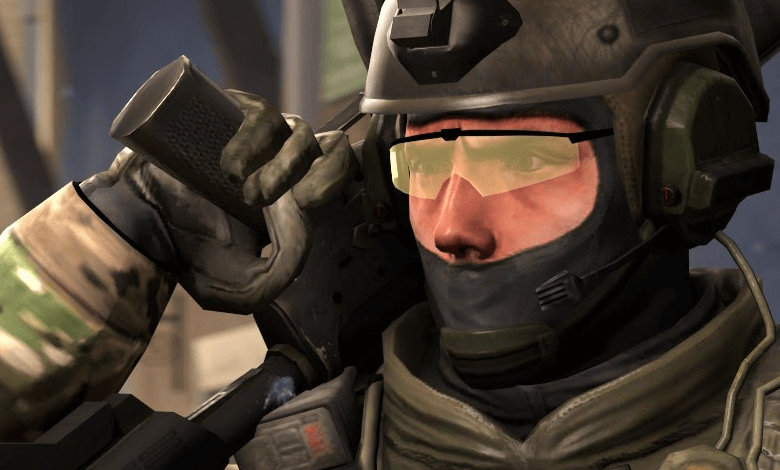
The CS:GO Jump Throw bind is a console command that lets players throw grenades or other items farther and more accurately. It gives Counter-Strike: Global Offensive (CSGO) players a strategic advantage by helping them optimize their movements in the game.
What Is the Jump Throw Bind?
This bind helps the object you throw reach the correct distance and target, allowing you to gain an advantage over your opponents. Correct timing and throwing angle are important when using it, however. Otherwise, the grenade may not reach its target or players may take damage.
What Is the Jump Throw Bind?
How Do You Set Up the Jump Throw Bind?
Follow these steps to activate the bind:
- Open CS:GO and click "Settings" in the main menu.
- Click "Game Settings" in the settings menu.
- Set the "Developer Console" option to "Yes."
- Restart the game.
- Once you are in the game, press the "~" (tilde) key on your keyboard to open the console.
- After the console opens, enter the "bind key +jumpthrow" command and press ENTER. Replace "key" with the key you want to use, such as "bind F12 +jumpthrow."
- You can now use the command. When you want to throw a grenade or another item, first select the item, then press the key you assigned to the bind and move toward the location where you want to throw it.
- Correct timing and throwing angle are important when using the bind, so practice to improve your performance.
In conclusion, the Jump Throw bind is an important tool that gives players more strategic options in the game. When used correctly, it lets you throw grenades and other items more accurately and helps you gain an advantage over your opponents.
You do need to take care when activating and using the bind. If it does not work, try different options to resolve the problem. Jump Throw is an important tool for players who want to master CS:GO, and learning this command can help them perform better in the game.
If you found this topic interesting, you can also check out these articles:


