
CS:GO bunny hop and acceleration commands help players move more quickly and efficiently in Counter-Strike: Global Offensive (CS:GO). These commands let players perform a "bunny hop," allowing them to move faster. Bunny hopping is a technique in which players build speed by repeatedly timing their jumps in quick succession.
With CS:GO bunny hop and acceleration commands, players can move faster than their opponents, which may help them win the game. In this article, you can learn more about CS:GO bunny hop commands and the CS:GO bunny hop acceleration command.
What Is Bunny Hopping?
Bunny hopping is a technique that allows players to move faster in the game. It is performed by repeating jumps in quick succession. When players jump with the correct timing and technique, they preserve the momentum of each jump and move faster. Bunny hopping can be used on flat, enclosed surfaces, helping players escape enemies or reach their objectives more quickly.
Practicing bunny hopping can also help players improve their reflexes and mechanical skills. The technique can provide an in-game advantage by helping players aim more effectively and reach their targets faster. However, bunny hopping is quite difficult in CS:GO, and mastering it can require many hours of practice.
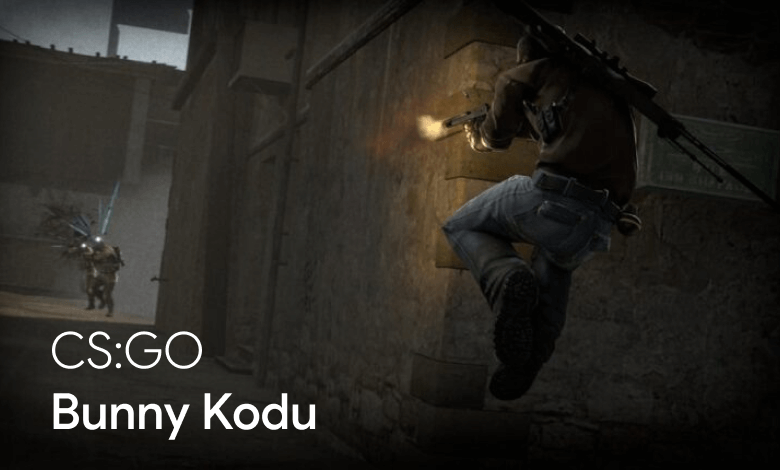
CS:GO Bunny Hop Commands
How Do You Use the CS:GO Bunny Hop Command?
The CS:GO bunny hop command is one of the commands that allows players to move faster. Follow these steps to use it:
- Launch CS:GO and enable the developer console.
- Press the "é" or "tilde" key on your keyboard to open the console.
- Enter the mouse-wheel bunny hop command, "bind mwheeldown +jump."
This command makes you jump automatically when you scroll the mouse wheel down. - Next, enter "sv_autobunnyhopping 1" to enable automatic bunny hopping in the game.
- Finally, enter "cl_showpos 1" to open an on-screen display showing the player's position. This helps you track your speed and distance while bunny hopping.
- After completing every step, scroll the mouse wheel repeatedly to jump in quick succession and let the automatic bunny hop feature accelerate your movement.
By following these steps, you can configure the CS:GO bunny hop command and move faster in the game. However, the technique is quite difficult, and learning to apply it can take a long time.
How Do You Use the CS:GO Bunny Hop Acceleration Command?
The CS:GO fast bunny hop command is one of the commands that lets players move faster with the bunny hop technique. Follow these steps to use it:
- Open the CS:GO command console.
- Once the console is open, enter "sv_cheats 1" to enable cheats.
- Next, enter "sv_enablebunnyhopping 1" to enable bunny hopping in the game.
- Then enter "sv_airaccelerate 200" to increase the player's acceleration in the air.
- After completing all the steps, jump in quick succession while bunny hopping and let the automatic bunny hop feature accelerate your movement.
By following these steps, you can configure the CS:GO bunny hop acceleration command and move faster in the game.
What Are the CS:GO Bunny Hop Commands?
The table below lists CS:GO bunny hop commands. You can use these commands in the game to move faster with the bunny hop technique. The table will help you enable the relevant commands.
| Command | Description | Usage |
|---|---|---|
| bind mwheeldown | Makes you jump automatically when the mouse wheel is scrolled down | bind mwheeldown +jump |
| +jump | Makes the player jump | +jump |
| sv_autobunnyhopping | Enables automatic bunny hopping | sv_autobunnyhopping 1 |
| cl_showpos | Opens a display showing the player's position | cl_showpos 1 |
| sv_cheats | Enables cheats | sv_cheats 1 |
| sv_enablebunnyhopping | Enables bunny hopping | sv_enablebunnyhopping 1 |
| sv_airaccelerate | Increases the player's acceleration in the air | sv_airaccelerate 150 |
These commands allow players to move faster. For example, "bind mwheeldown +jump" makes you jump automatically when you scroll the mouse wheel down, allowing the player to bunny hop.
In conclusion, the CS:GO bunny hop and fast bunny hop commands are popular commands that help players move faster in the game. When using them, it is important to choose suitable servers and follow the rules.
Players who are not familiar with these commands should also learn about the potential problems caused by using them incorrectly. When configured properly, however, the CS:GO bunny hop and acceleration commands can help players become more capable in the game.


